Professional video edits delivered in moments, not days.
The AI Video Editor inside Sage now adds professional motion graphics to your videos automatically. Charts, callouts and on-screen text that make your expertise easier to follow, in minutes instead of hours.
The graphics a motion designer would add, generated for you.
Automated motion graphics.
Sage reads your video and adds on-brand graphics, charts and callouts on its own, for both short-form and long-form.
Create graphics with AI.
Pick your style, choose the whole video or one section, and let Sage pick the right moments for visuals.
Ready in minutes.
About a minute for short-form videos and a couple of minutes for long-form. Leave the tab and come back when it's done.
Your style, remembered.
Set colors and style preferences once. Sage saves them and uses them on every video after.
Click to change any graphic.
Edit on-screen text directly, drag elements to reposition them, and adjust how your face is framed.
Studio-grade sound, one toggle.
Enhance Audio cleans up your voice, and the built-in editing suite handles any final touches.
See the graphics on real videos.
Every graphic below was generated by Sage on an advisor's own footage.
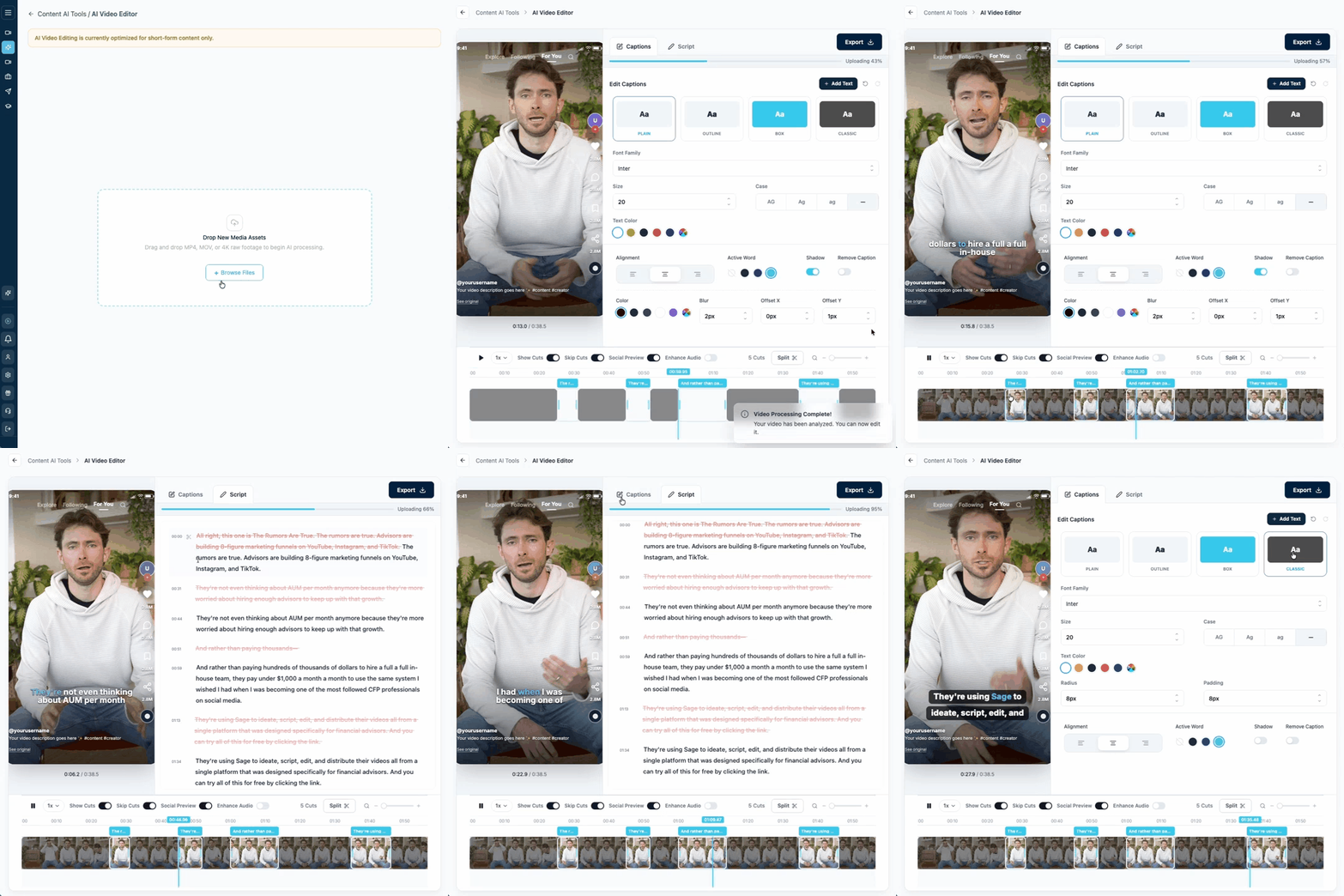
Four steps to a video with graphics.
Upload
Upload your raw footage, or record right inside Sage.
Create graphics with AI
Click the button, choose your style and which part of the video to cover.
Wait a minute
Graphics generate in about a minute for short-form, a few minutes for long-form.
Customize
Tweak text, styles and placement until it looks exactly right.
AI for speed. Our editors when you want a human touch.
Included in Sage
Edit as many videos as you record, in minutes, on your schedule.
- Automated motion graphics and captions
- Ready in about a minute for short-form
- Edit any graphic with a click
Editing credits
Send any video to our in-house team for a fully hand-edited finish.
- Edited by our in-house team
- Ideal for flagship long-form videos
- Use credits only when you want them
Coming next.
More graphic styles
A larger range of frameworks so every graphic feels fresh.
Describe your graphic
Tell Sage exactly what you want a graphic to look like in the chat box.
Match a reference
Paste a screenshot of a graphic you like and Sage matches its style.
What advisors say about editing in Sage.
"The biggest win about Sage is the quick and predictable video editing, at a much higher quality than I could ever do. It used to be my true bottleneck."
"SageContent is a full, soup-to-nuts platform for you to build video content: from script to compliance approval, recording, editing, and posting."
Common questions.
Do I need any editing or design experience?
No. The AI Video Editor is built for financial advisors, not video editors. Sage chooses where graphics belong and generates them for you.
Does it work for short-form and long-form?
Yes. Automated motion graphics work on both, and you can apply them to the whole video or one section.
Can a person edit my videos instead?
Yes. Editing credits send any video to our in-house editing team when you want a human touch.
Which plans include the AI Video Editor?
It is included in Sage Flex and Sage Teams.
Does it work with videos I recorded elsewhere?
Yes. You can upload footage or record directly in Sage, and it moves to editing automatically.
See the AI Video Editor in action.
See how a raw recording becomes a finished video with graphics, in one short call.